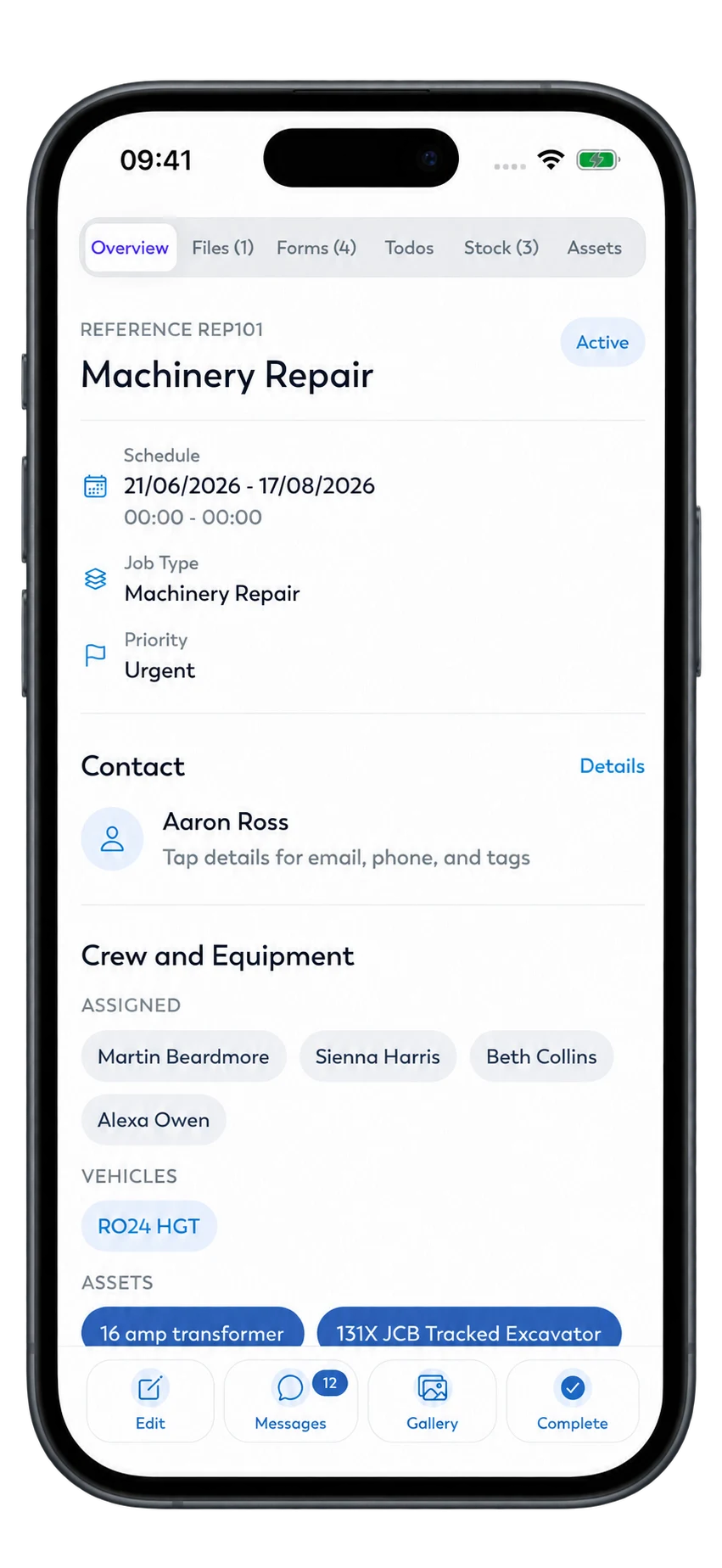
Keep maintenance, repairs, and installs in sync.
Schedule work, track equipment, and keep customers informed in one HVAC management platform.
HVAC service management software for busy teams.
Scheduling, dispatch, preventive maintenance, and invoicing in one place.
Scheduling and dispatch
Assign technicians and set visit times with job scheduling for service calls and maintenance.
Equipment tracking
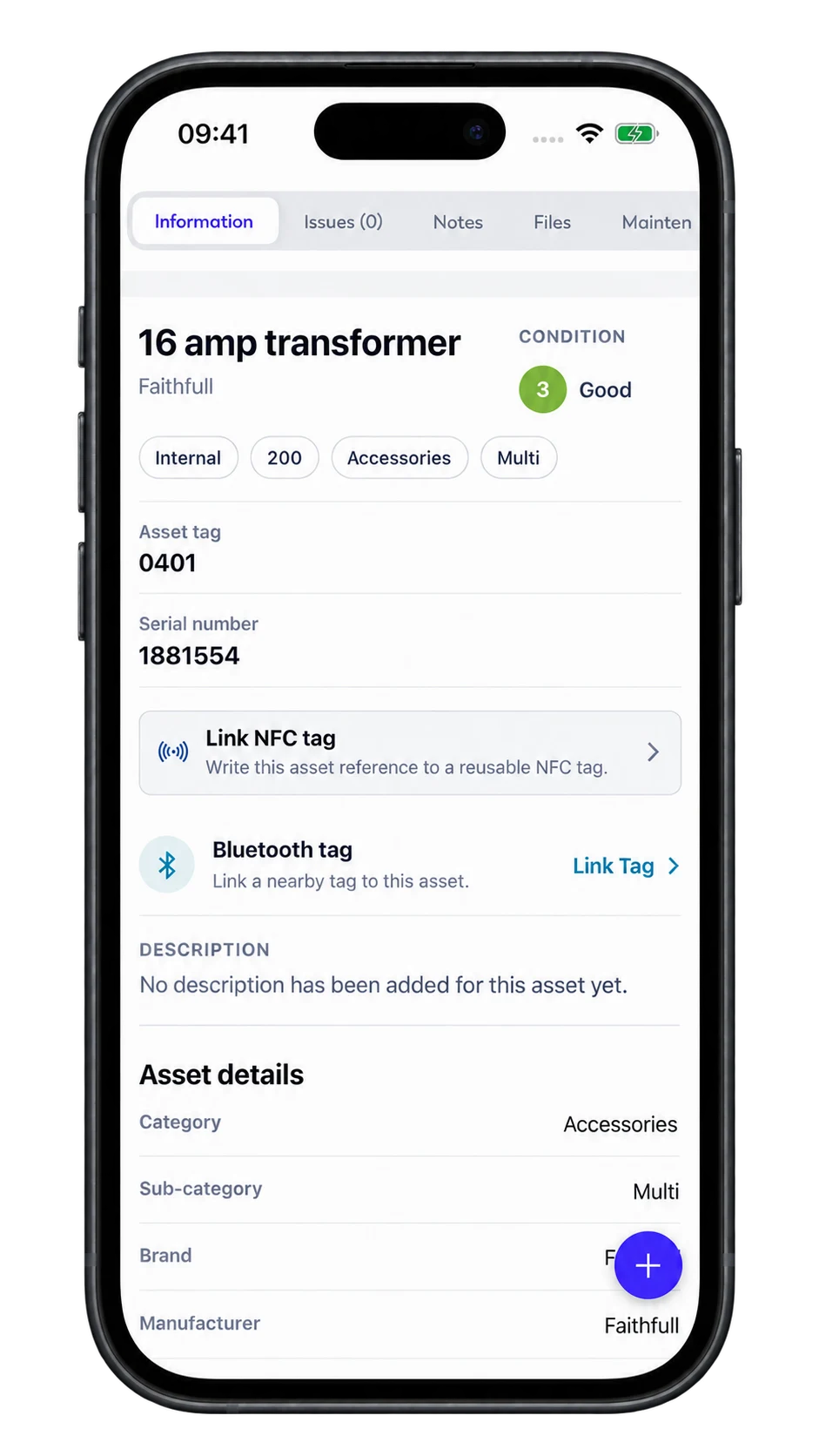
Keep service history for every unit, site, and customer.
Preventive maintenance
Plan repeat visits with site details, assigned technicians, and equipment linked to each maintenance job.
Mobile work orders
Keep HVAC work order notes, photos, and tasks with the job so the office can review progress.
Parts and stock
Keep parts and stock records available when planning service work.
Keep equipment history ready for each visit.
Link equipment to HVAC work orders so technicians can review service records, add job notes, and record parts used.
- 1 Set service visit dates and assign technicians.
- 2 Keep visit details and access notes with the job.
- 3 Link equipment to jobs and record maintenance history.
- 4 Create job-linked invoices and send them by email.
A clear path for every visit.
Keep the office and field aligned from dispatch to the next planned visit with HVAC management software.
Create and dispatch
Log the issue, assign the tech, and set the schedule.
Maintain and inspect
Capture readings, photos, and parts used on site.
Resolve and report
Record the work done and keep supporting files with the job.
Invoice and renew
Bill on completion and schedule the next visit.
Built for HVAC teams
Dispatch
Scheduling and technician assignment
Equipment history
Maintenance records and job links
Repeat visits
Planned maintenance schedules
Keep service work connected to customer and equipment records
HVAC work orders, explained.
Can I keep equipment history with service jobs? + -
Yes. Link equipment to jobs and keep maintenance records available for the next service visit.
Can I plan repeat maintenance visits? + -
Yes. Plan repeat visits with site details, assigned technicians, and equipment linked to each maintenance job.
Can technicians update work orders on site? + -
Yes. Keep notes, photos, and tasks with the HVAC work order so the office can review the work recorded.
Ready to modernize HVAC operations?
Book a demo to see HVAC management software built for trades.