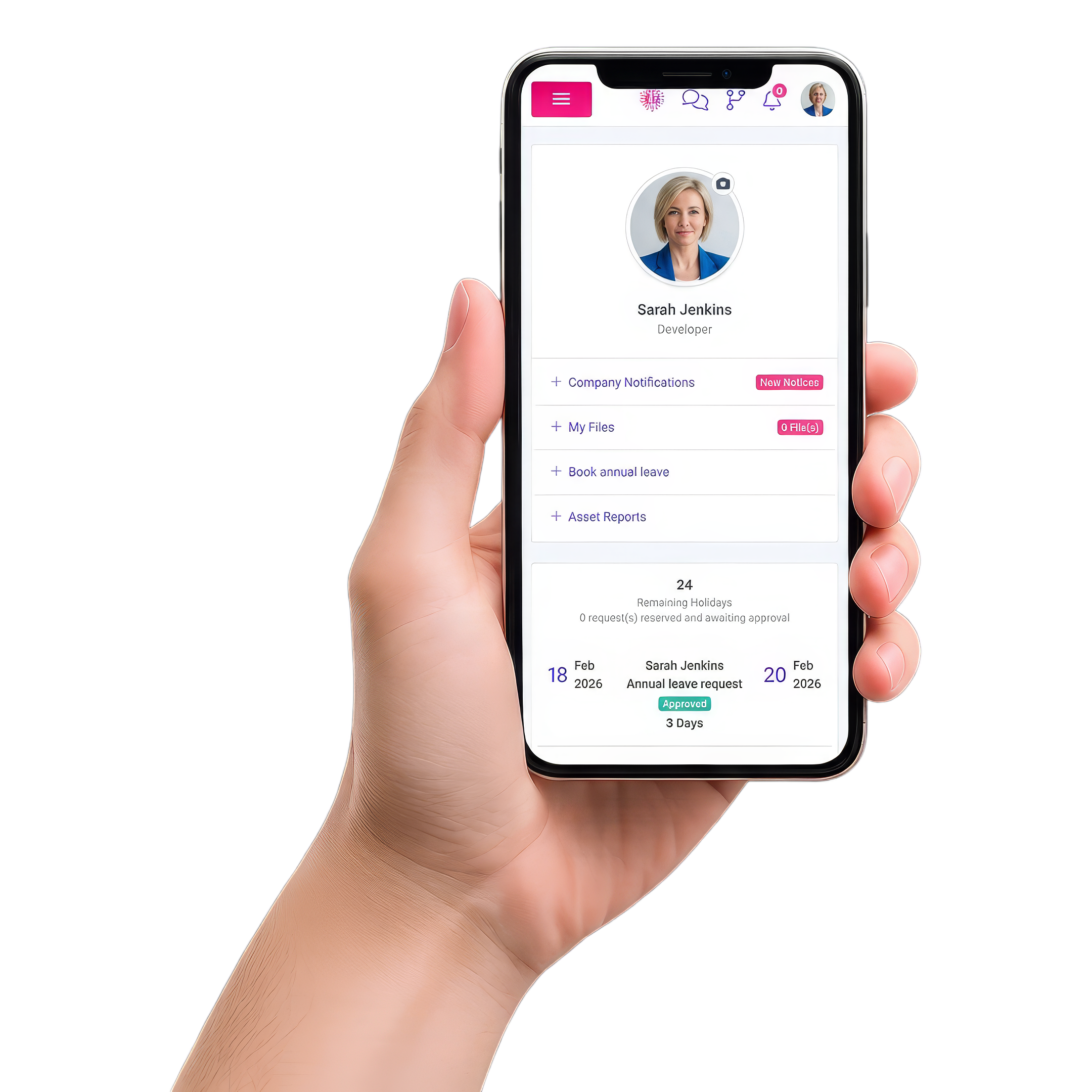
Built for day-to-day operations
One job record
Quote, schedule, photos, sign-off, invoice
Live visibility
Office and field stay in sync
Cloud-based
Access anywhere, any device
From scattered tools to one source of truth
Intrflex replaces the handoffs that slow jobs down, so status, files, and approvals stay attached to the job.
Disconnected workflow
- - Quote details live in one place, scheduling in another.
- - Updates get buried in calls, texts, and WhatsApp threads.
- - Photos and notes sit on phones instead of in the job record.
- - Invoices stall while you chase the final details.
Intrflex workflow
- + Quote-to-job in one record, no rekeying and fewer mistakes.
- + Live status updates keep dispatch and techs aligned.
- + Photos, notes, and sign-off stay linked to the job.
- + Invoice from the job as soon as work is complete.
Office, field, and customers all see the same story.
Keep site details, recorded progress, and documents attached to the job so office and field teams can review the same information.
- 1 Dispatch sees progress without calling the crew.
- 2 Techs have site details, forms, and files on mobile.
- 3 Customer updates happen faster and with fewer surprises.

Everything you need to run the job
Built for trade operations: fewer admin loops, cleaner records, and faster movement from quote to completion.
Quotes linked to jobs
Build reusable quotes, then turn accepted work into a job without entering the details again.
Mobile field updates
Record job status, notes, and photos for the office to review.
Contacts and site history
Keep client details, locations, and job history organised in one place.
Resources and assets
Track tools, equipment, and stock so crews arrive prepared.
Job cost visibility
Link timesheets to jobs and review labour, stock, additional costs, and margin before invoicing.
A live job record, end to end
A quick example of how updates flow through Intrflex during a typical day.
Job snapshot
Unit 14 - Emergency callout
On-site update
Findings captured
Notes and photos are saved to the job so the office can see what’s happening without a call.
Completion
Customer approved
Sign-off, photos, and materials used are stored against the job record.
Invoice issued
Ready for payment
Because everything is on the job record, invoicing is quick and consistent.
Connect the tools you already rely on
Keep your workflow tidy: sync key data and reduce manual re-entry across the stack.
Xero
AccountingSend invoices and keep finances aligned.
QuickBooks
AccountingConnect billing and keep records consistent.
Email + SMS
CommsSend quotes, reminders, and updates faster.
Exports
ReportingPull data out for audits, analysis, and ops review.
Protect job data without slowing work down
Secure storage, clear permissions, and audit-friendly exports, so teams move fast and records stay accountable.
Granular permissions
Control who can view, edit, approve, or export records.
Automatic backups
Job history and files are protected by routine backups.
Secure file storage
Keep photos, notes, and documents stored safely against the job.
Activity visibility
Track updates and changes to keep work transparent.
Platform questions, answered
If you want a quick walk-through for your team size and workflow, book a demo.
What does Intrflex replace? + -
Intrflex is designed to reduce tool sprawl by bringing quoting, scheduling, job updates, and invoicing into one platform. Many teams use it to replace spreadsheets, shared calendars, and scattered job notes.
Can both office and field teams use it? + -
Yes. Office teams schedule and dispatch work while field teams update job status, notes, and photos, so everyone stays aligned in real time.
How does the workflow usually start? + -
Most teams start with their quoting and scheduling process, then expand into job updates, forms, and invoicing as they standardize the job record.
Do you support Xero or QuickBooks? + -
Yes. Intrflex can connect to Xero or QuickBooks so invoicing and financial records stay aligned without double entry.
What happens in a demo? + -
We map your current process, show the relevant workflows in Intrflex, and outline a rollout plan for your crew and data.
Want to see Intrflex on your workflow?
Book a tailored walkthrough and get a rollout plan built around your office and field teams.
Book your tailored demo
Share a few details and we will shape the session around your current workflow, handoffs, and bottlenecks.
After you submit, we arrange your demo and walk through your workflow. We agree setup and training with you based on your team and data.
What the demo includes
- Your current workflow: We start with how your team handles jobs, updates, and paperwork today.
- Live walkthrough: We show how scheduling, field updates, and job records work together in one system.
- Questions answered: We cover the parts of Intrflex that matter to your process, team size, and pain points.
- Next steps: You leave with a clear view of fit, rollout expectations, and what onboarding looks like.
- 50% discount for 3 months: Book a demo and lock in your exclusive discount.