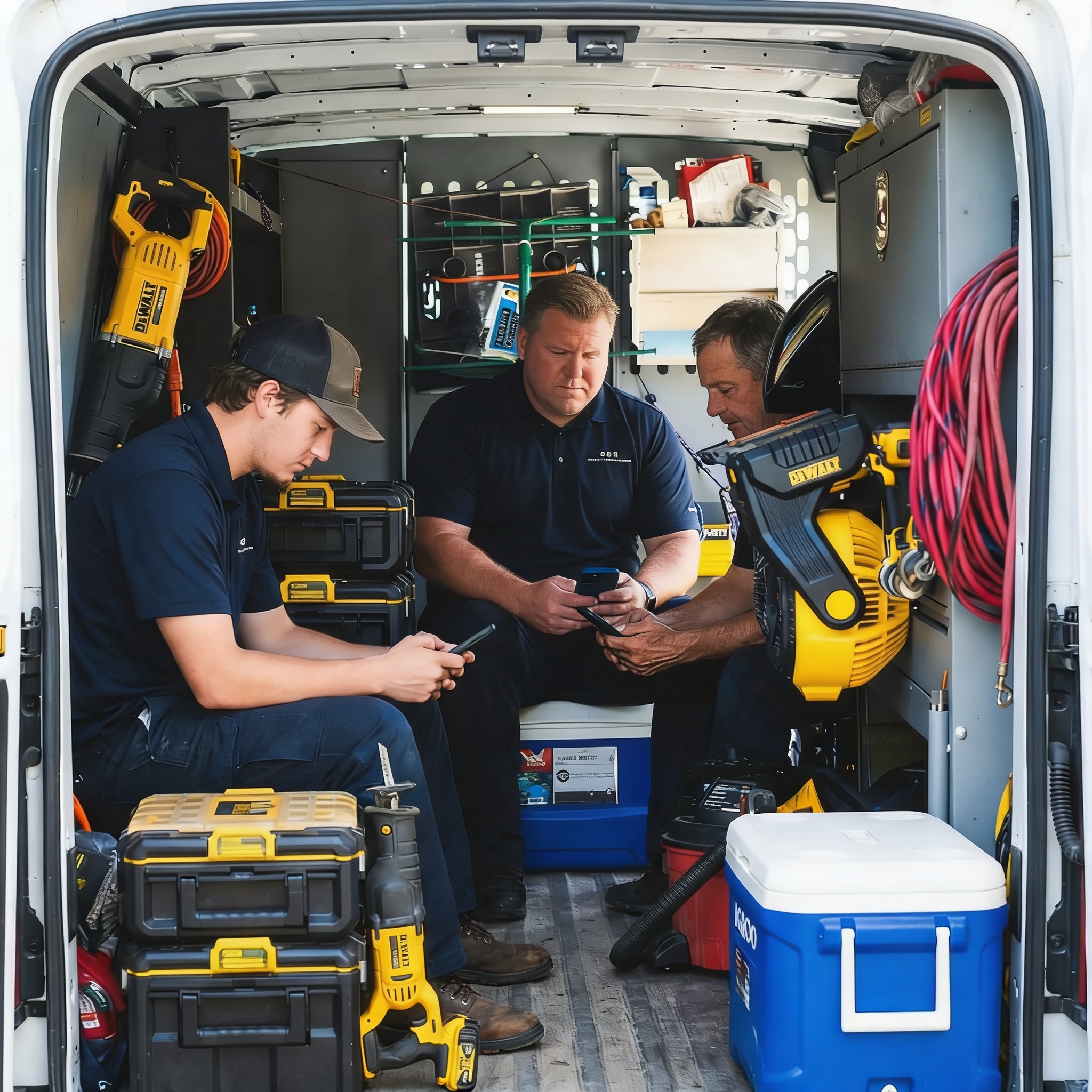
Running your team just got easier.
Most HR tools do not match on site reality. Intrflex gives you one workforce system to manage availability, leave, time, and employee records without admin overload.
Everything you need to keep crews aligned.
Updates, leave, development, and documents live in one place, so your team stays informed and your records stay clean.
Communication
Send updates and announcements that reach the whole team instantly.
Annual leave
Request and approve time off with clear visibility for coverage.
Development
Track skills, progress, and performance notes for each person.
Documents
Store contracts, handbooks, and certifications in the employee profile.
Stay on top of time and availability.
Accurate time tracking and live availability help you plan better, reduce admin, and keep payroll on track.
Leave approvals
2.1h
Average turnaround
Timesheet accuracy
99%
GPS verified
Admin time
25%
Reduction
Crew coverage
100%
Live visibility
Benchmarks vary by team size
Active shift
Jay Donovan
Current job
Riverside Apartments
On site
2h 34m
08:02
Clocked in
On site
Status
Up to date
Last sync
Know where work happened, without chasing updates.
Intrflex Tracker captures location during an active shift, giving office teams a reliable record of site attendance and journeys while crews get on with the job.
- 1 Confirm arrival and time on site with location backed records.
- 2 Review route history when planning travel, jobs, and crew coverage.
- 3 Keep valid shift locations queued when signal drops and upload them when connectivity returns.
Location tracking built around the working day.
Give managers the visibility they need while keeping tracking tied to a clear, active work session.
Proof of presence
Create a clearer record of when employees arrive at and work from a jobsite.
Journey history
Review work routes and travel between jobs when questions come up.
Works offline
Retain valid shift locations through poor signal and send them when connectivity returns.
Privacy conscious
Continuous tracking starts for an eligible active shift and stops when the employee clocks out.
Keep tabs on training and development.
Track probation goals, appraisals, and performance markers with a clear history for every team member.
- 1 Set date specific goals for probation and training.
- 2 Log positive and negative performance markers.
- 3 Keep development history ready for reviews.
Jay Donovan
Electrician
85%
Training complete
Sophie Martinez
Plumber
62%
In progress
Malik Khan
Apprentice
45%
Needs attention
From paperwork chaos to clean records.
Replace spreadsheets with one employee record per person, so time, leave, and documents stay organised.
Manual tracking
- - Timesheets edited by hand and emailed back and forth.
- - Leave requests buried in messages and missed.
- - No single source for documents or certifications.
Clear digital records
- + GPS verified clock ins with clean timesheets.
- + Leave approvals tracked and visible in minutes.
- + All documents stored in the employee profile.
Everyone gets the right view.
From office teams to site leads, permissions keep records tidy and updates consistent.
Office
Manage schedules
Approve leave and keep coverage sorted without back and forth.
- • Leave approvals
- • Roster updates
- • Payroll export
Field
Stay informed
See shift changes, updates, and key documents straight from your phone.
- • Shift alerts
- • Mobile updates
- • Profile docs
Management
Develop teams
Track training, performance, and progression with a full timeline.
- • Training goals
- • Performance notes
- • Compliance checks
Workforce management software, explained.
Quick answers to common questions teams ask before switching.
What is workforce management software? + -
Workforce management software helps you schedule shifts, track time, manage leave, and keep employee records in one place so teams stay organised.
How does workforce management help trade businesses? + -
It reduces admin, keeps crews aligned, and makes sure everyone has the latest updates.
What should a workforce management system include? + -
Leave tracking, time logging, document storage, and clear role based access.
Is workforce management useful for small teams? + -
Yes. Even small crews benefit from organised records and fewer missed updates.
How do workforce tools improve compliance? + -
They centralise contracts, certifications, and training records for fast access.
Keep your crew aligned with Intrflex.
Book a demo to see a workforce management system built for trades.